• USGS — earthquakes (last 24h, M ≥ 4.5 within 500 km of a site)
• GDACS — active natural disasters worldwide (by country)
• Open-Meteo — severe weather forecast (next 48 h, per site)
• US State Dept — travel advisories (Level 2+)
Note: When a weather alert ties a non-weather alert (earthquake, disaster, advisory) at the same severity, the non-weather alert takes precedence and sets the dot.
Crisis Management · Operational Resiliency Program · Feed the Children
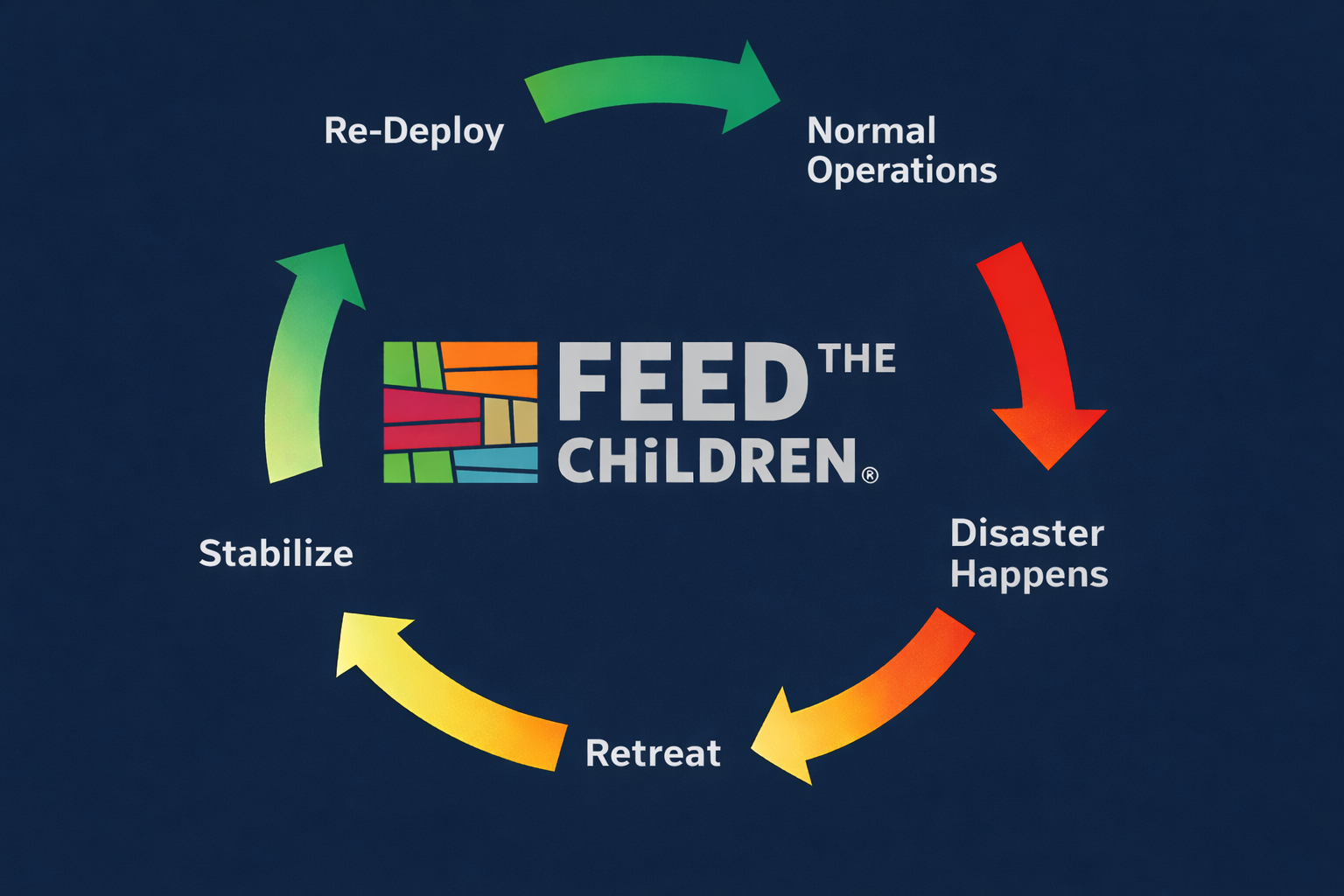
CTR Crisis Cycle
1
Life Safety First
Protect people, account for all personnel, and address urgent medical or security needs before broader business issues.
2
Separate Facts from Assumptions
Every report must clearly distinguish confirmed, preliminary, and unknown information.
3
Escalation Path
🇺🇸 U.S. Domestic: Site / Function → Chief of Staff → CEO / Executive Delegate🌐 International: Site / Field → In-Country Lead → Regional Director → VP Staff Lead → President, International Chief of Staff engaged for enterprise coordination as needed.
4
Personnel & Visitor Accountability
All personnel and visitor accountability must be tracked until resolved or formally transferred to a designated owner.
5
Decision & Action Logging
All significant decisions, approvals, action owners, and timestamps must be captured in a decision log or action log.
📋 Flash Report History
Past reports logged from this browser · click any entry to view details
Flash Reports
My FRs = this browser only (your private view)
📖 Business Continuity
Document Catalog
Loading…
⚠ Threat Alerts
Loading…
🛠
Content Area
Under Construction
This section of the dashboard isn’t ready yet.
Once the Feed the Children team publishes the content to SharePoint, this link will open the live material automatically — no dashboard change required.
EXECUTIVE FLASH REPORT
REPORTABLE INCIDENT · ELT / DESIGNATED CRISIS LEADERS ONLY
✓
Success
Open Document
This will open in a new tab.
Approving AAR…
📝 After Action Reports
—
Pending
Loading…
Complete (Approved)
Loading…
Confirm AAR Approval
Before approving this AAR, verify each item below. This approval is logged with your name and timestamp and written into the PDF.
Start New AAR
✏️ Edit KB Article
—
🔒 Checked out
📖 Add KB Article
Upload a new Knowledge Base article. All fields below are written to SharePoint columns on the new file.